













How to identify the betonred casino official site
UNO DIGITAL MEDIA B.V. operates the casino, independently of the informational website BetOnRed Opinie. A search for “betonred casino official site” concerns the operator's service, not an account facility on this publication; distinguish the two before entering any personal information.
The publication has no casino registration or player account administration function; it cannot accept deposits, pay winnings, verify players or settle operator disputes. Check the legal identity of the service and its terms before supplying credentials. Polish menu text, familiar branding and prices displayed in PLN do not by themselves establish the identity of an authorised operator address or legal eligibility in Poland.
Do not use links offering to circumvent territorial restrictions.
BetOnRed casino sign in on web and mobile
Sign-in on the web, Android APK and iOS WebView uses the existing account's email and password, plus an authenticator code if 2FA is enabled. Although the general terms refer to a username, the sign-in form asks for your registered email instead.
How BetOnRed casino login in Poland works
For an eligible existing account in Poland, enter your registered email and password and use a Google Authenticator code if 2FA is enabled. BetOnRed casino login in Poland is separate from the availability of new registration. The Polish PLN lobby can be visible while the configuration closes new registrations. Neither a visible lobby nor an existing customer's technical access determines legal authorisation for gambling in Poland.
For BetOnRed casino sign in, follow the email-based procedure only if your operator account is eligible for access:
- Open the operator's interface through your established, legitimate access channel. Select Log in, not the new-account button.
- Enter the email address already registered to your account and your account password. Use the address linked to the existing profile, not a secondary email you happen to use on the same phone.
- Select Log in. If two-factor authentication is active, enter the current one-time code generated by Google Authenticator when prompted.
- Once authenticated, check that the account profile and balance correspond to your existing account. If the operator requests an additional identity check, complete the designated verification procedure rather than opening a duplicate account.
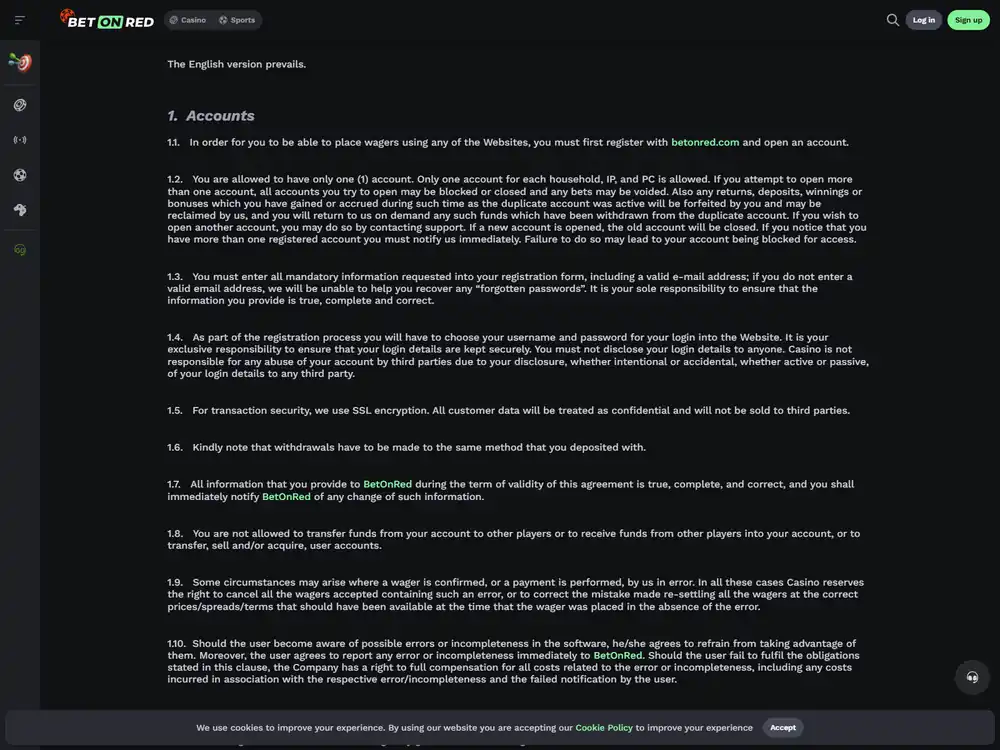
On a Windows 11 x64 computer, the browser route needs no separate desktop client; the browser-installed web app and Android APK are distinct interfaces, as explained in the app and mobile access guide.
What happens to your account when you switch devices
Each authorised device reads the same underlying account, but authorisation is session-specific. In my Polish test, I used Android APK v1.4.9 on the Tecno Camon 50 Pro 5G (Android 16 with HiOS 16) after confirming the registered email. I then opened WebView v6.4.2 on the Apple iPhone 18 Pro (iOS 27). This new session required the same email and password, plus an OTP when 2FA was active.
After refreshing both authorised sessions, I could see the same card deposit record and a balance of 80 PLN on each, immediately after crediting. The two devices did not maintain separate wallets. That was one account entry from one Polish deposit. It was neither a double credit nor a general deposit requirement for using the account.
History is also held at account level: the cross-device check reconciled a bet identifier and its accepted status after signing in on the second device and refreshing My Bets, which is an authenticated view rather than a guest list.
The account also records bonus progress. In a separate Polish welcome-bonus synchronisation scenario, after the first 80 PLN deposit, the second device showed an 80 PLN bonus credit and a package of 150 free spins issued on the offer's schedule, with wagering progress at 0 because no bets had been placed. This bonus record is distinct from the 80 PLN cash balance in the card-deposit example above; accessing it from another device does not extend its validity or change its terms.
An authorised session may persist when you reopen a browser tab, until the session expires. Selecting Log out ends the current session; in the tested cross-device scenario, the second device retained a separate session and faced another authorisation check for a sensitive action. Treat each device independently when ending access on shared equipment.
An authenticated session and approval of a withdrawal are different outcomes: identity checks or bank payment approval required for certain account actions may still have to be completed, even if you can return to your existing profile without difficulty.
Password recovery and account security
BetOnRed account access and recovery both depend on control of the registered account, with password reset initiated through the login form and two-factor authentication and contact-detail changes handled as separate security procedures.
Reset a forgotten password
Use Forgot your password? if the registered email is still accessible; the self-service procedure starts with that address rather than a phone number, a payment receipt or an email belonging to another player.
- Open the sign-in form and select Forgot your password?.
- Enter your registered email and request the password-reset message.
- Open the most recent reset link delivered to that address. Do not forward the link or use it on another person's behalf.
- Set a new password different from the previous one. Look for the confirmation email after changing it, as specified in the account FAQ.
- Return to the sign-in form. Enter the new password and complete any enabled second-factor prompt.
In the Polish recovery scenario, the reset link remained valid for 30 minutes from issue. The clock starts when the link is issued, not when you first read the message. An expired link needs replacing. Request another and follow the newest valid message; the system's actual expiry governs your own link.
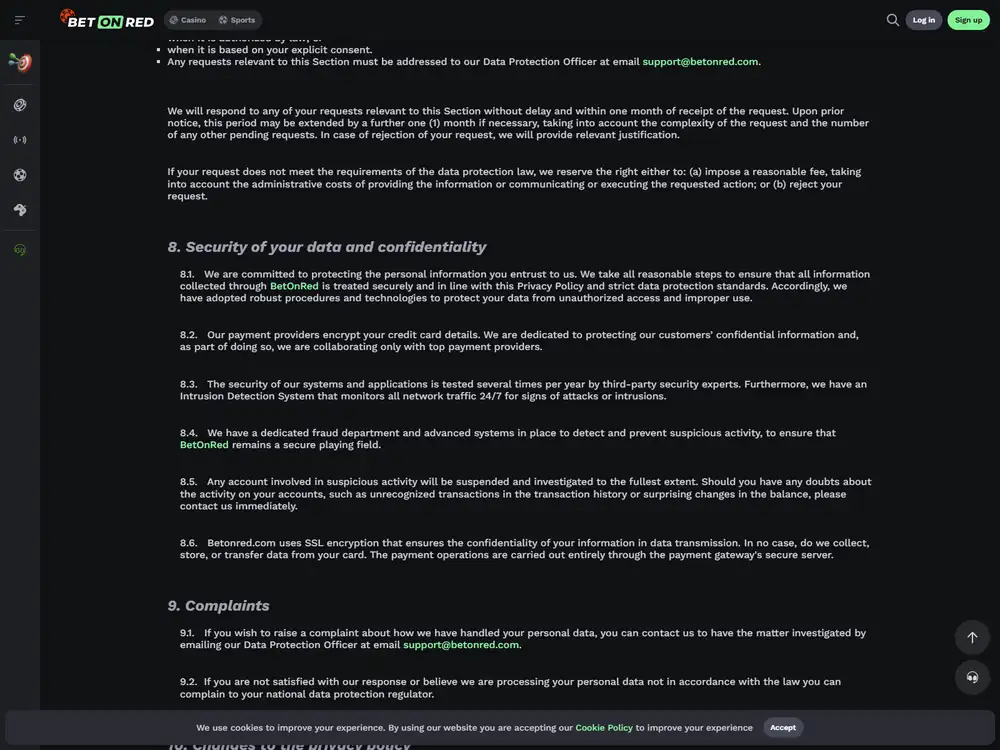
Under the account rules, a valid email is necessary for effective password recovery. The holder is responsible for keeping login details confidential. If you registered through a private relay address, the interface asks you to attach a standard email address for account recovery. Keep that address accessible. Never disclose your password to anyone offering to restore the account.
Google Authenticator, SMS and the second factor
When 2FA is enabled, Google Authenticator generates the OTP used for sign-in. In the account's two-factor authentication setup, add the issued key or scan its QR code in Google Authenticator, then enter the generated one-time code to confirm the setup; keep the key and QR code private.
An SMS serves a different function from the authenticator's sign-in OTP. The operator uses SMS for phone verification and, in specific account procedures, verification of a sensitive action. For example, the Polish account scenario included an SMS check associated with a withdrawal request. A message from the bank authorising a card payment is likewise distinct from either form of account authentication.
Disabling 2FA requires the account password and an authenticator OTP; it reduces the account's protection. If you have lost the key or can no longer generate the required code, follow the operator's support procedure and establish ownership instead of sending your password to an intermediary.
System biometrics were not used in the tested Android and iOS sign-in procedures, so possessing a phone already enrolled for fingerprint or facial recognition was not a substitute for the email, password and enabled authenticator protection requested by those forms.
Change the account contact details
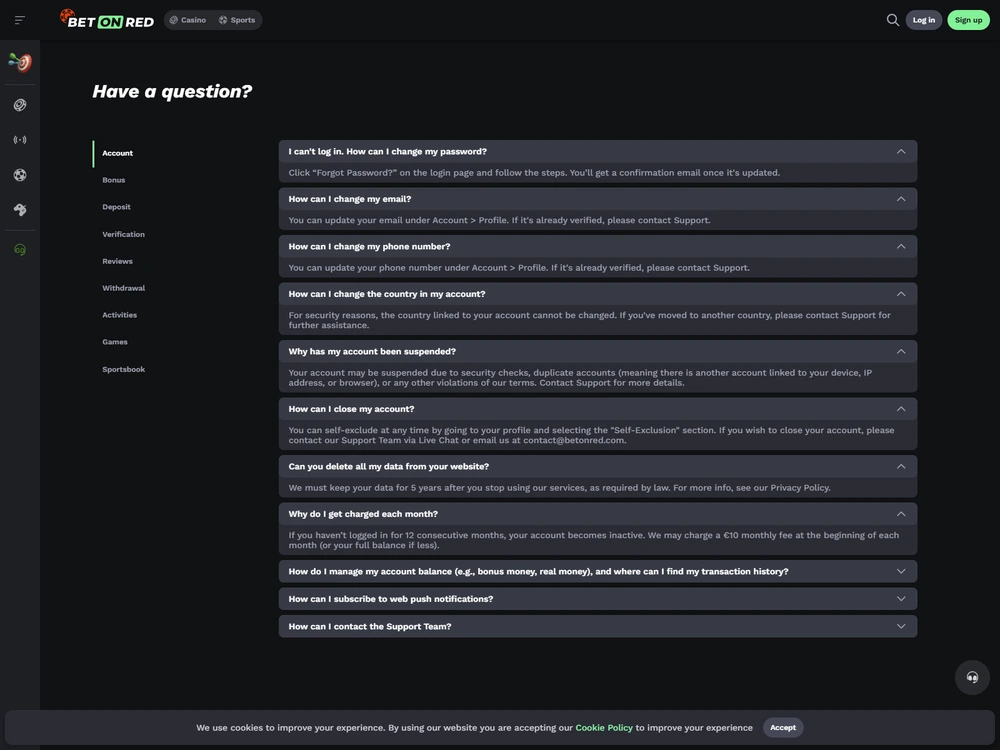
If the email or phone details have not already been verified, the account FAQ allows them to be edited under Account > Profile; verified contact details must be changed through Support, with ownership checks for the contact channels as appropriate to the circumstances.
If you have moved to or from Poland, ask the operator for assistance; you cannot edit the account country directly. Do not register twice or try to change the connection location to bypass account controls. The guide to account verification covers the separate ownership checks.
Troubleshooting betonred casino login errors
A failed betonred casino login can reflect incorrect credentials, a restriction on further attempts, a separate security check or the current status of the account. Identify the message you received: a password problem, a locked login form and a suspended account require different responses.
| Problem | Cause or condition | What to do |
|---|---|---|
| Credentials rejected | Incorrect registered email or password; email confirmation required for first sign-in | Check your email and password. If your email is unverified, use the confirmation email or request a new one. Reset your password if you forgot it |
| Reset link expired | Link validity ended | Request another link through Forgot your password? |
| Missing authenticator key | Active 2FA cannot be completed | Contact operator Support to establish account ownership |
| Attempts restricted | Repeated failed sign-ins | Stop attempting to sign in and follow the support prompt |
| Account suspended or disabled | Security check, duplicate account or other breach of terms | Contact Support; do not register another account |
| Unexpected logout | Expired session or reached Session Limit | Respect an active limit; use ordinary sign-in only when permitted |
| Verified contact details need changing | Verified email or phone is not directly editable | Ask operator Support to handle the change |
| Other device still signed in | Separately authorised session | End that device's session independently when appropriate |
| Account inactive | No login for 12 consecutive months | Ask the operator about account status and any charges |
| Self-exclusion | A player protection restriction blocks access | Respect the exclusion; contact support for gambling-related help |
Failed attempts, duplication and suspension
In the checked Polish account-protection scenario, five consecutive refusals within 15 minutes triggered a 15-minute pause and the restriction screen directed the customer to Support. Do not continue guessing passwords or attempt to avoid the pause. In the confirmed password-change scenario, the current session required fresh authentication after the password was changed. Effects on other active sessions depend on the active-device list and server policy; a password change does not guarantee the removal of account restrictions or the closure of other sessions.
Duplicate accounts are an explicit reason for suspension. The operator's one-account rule applies to each person, household, IP address and computer; the FAQ also refers to a linked device or browser. The operator may block or close the accounts. It may also void bets. Returns, deposits, winnings and bonuses accrued while the duplicate account was active are forfeited under the terms. The operator may reclaim those funds. If it demands repayment of funds withdrawn from the duplicate account, you must return them. If you discover that you have more than one account, notify Support immediately. Failing to report this can lead to an access block. If an account already exists, use recovery or contact Support instead of beginning the new account registration process.
Inactivity and responsible-gambling restrictions
Under the account FAQ, an account with no login for 12 consecutive months becomes inactive and may incur a fee at the beginning of each month of €10 or the entire remaining balance if lower; this is the euro-denominated inactivity provision, not a separate Polish cashier tariff.
A Session Limit can end an active session automatically once its threshold is reached. One Session Limit configuration applies increases or removal after 24 hours. The self-exclusion function blocks account login altogether for the selected period. In the automated cooling-off procedure, login can remain available during the initial 24-hour break while wagering is blocked. These are protection mechanisms, not errors to circumvent.
If a connection drops during ordinary navigation, let it recover and refresh the lobby if appropriate. For an interrupted sensitive transaction, inspect the account history before sending a duplicate request. A display interruption does not establish the outcome of a server-side action.
Getting support without signing in
The public Help widget offers a route to assistance even before you have authenticated. Select the Live Chat option, provide the requested Name and E-mail and choose Start the chat. The AI chatbot warns that its answers can contain errors; a problem involving identity, an active account restriction or lost credentials should be handled with the operator's support staff. The operator advertises chat and email availability 24/7; that is not an individual reply-time guarantee.
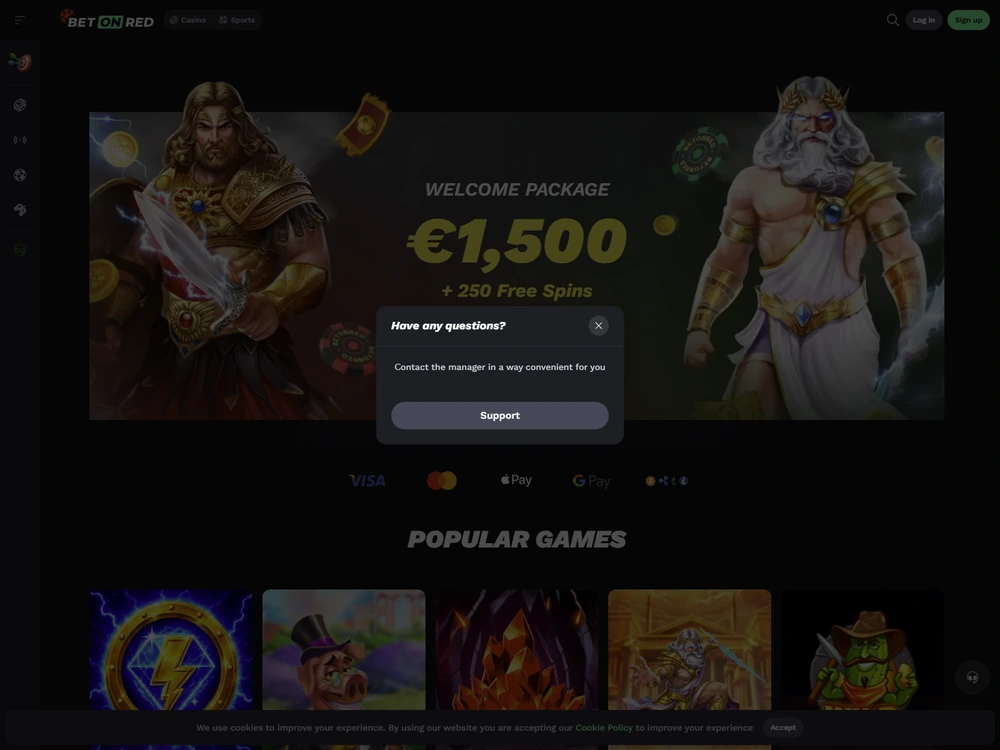
The general account support email is [email protected]. Do not send passwords, recovery links, one-time codes or identity documents to the independent publisher. Consult the customer support guide to choose an appropriate operator channel. Read the licence and account safety information for the security and legal context.
FAQ
Can I sign in to my BetOnRed account from Poland?
Yes, if your existing account is eligible to sign in. BetOnRed is permitted to operate in Poland. Use your registered email and password, plus a Google Authenticator code if two-factor authentication is enabled.
Do the browser and mobile app use the same account?
Yes. The browser, Android APK and iOS WebView are access routes to the operator's account. Separate authorised sessions can display the same server-side balance and transaction history, but a sign-in session does not automatically transfer to another device.
What should I do if the password-reset link has expired?
Request another link from Forgot your password? and check the most recent email delivered to your registered address. The tested Polish recovery route had a 30-minute validity period from issue.
What if I have lost my Google Authenticator key or cannot access my email?
Contact operator Support through the accessible Help channel and follow the account-ownership checks. Do not create another account. Ordinary password recovery requires access to the registered address, while loss of an enabled authentication factor needs a separate support procedure.
Can I change the country on my account myself?
No. The operator's FAQ states that the country associated with an account cannot be changed directly for security reasons. If you have moved, contact Support for assistance.
Does logging out from one phone close the session on another?
Not necessarily. Log out ends the current session. In the Polish cross-device scenario, the other device had a separate session and its authorisation was checked independently for a sensitive action.