

Age, financial risk and territorial restrictions
The publisher's audience restriction is 18+, the same as the operator's general age notice; a separate territorial Loss Limits configuration specifies 21+, and the sportsbook requires players to meet the minimum gambling age applicable in their territory.
If you live in Poland, consider the local legal requirements before using any gambling service. A website displaying a familiar language or currency does not establish that the operator is authorised to offer gambling in your country. Its Risk Warnings also state that it cannot guarantee the legality of use in your jurisdiction.
BetOnRed Opinie is an independent informational publisher, not a gambling operator. You can read the site without opening an account or presenting age-verification documents. The publisher cannot accept bets, manage balances, apply gambling restrictions or approve a withdrawal. Its remit is set out in the publisher's terms and disclaimer; licence and safety covers operator-side legal and safety information.
Set personal limits and monitor spending
The four types of personal limits address different aspects of gambling. A deposit cap restricts how much money you can transfer to your gambling balance. The wager cap controls the amount staked, including money already in the account, while the loss cap restricts the amount you can lose. A Session Limit controls time rather than money.
Apply a limit to your account
In the corresponding limit settings, a new or stricter restriction takes effect immediately. Raising or removing Deposit, Wager, Loss or Session Limits normally takes effect after 24 hours under the specified interface rules. A deposit limit of 0 triggers an account block for 6 months in the configuration that contains that option.
- Open the personal settings in the cashier for your Deposit Limit, or the Gambling Limits section in your profile for the other restrictions.
- Select Deposit, Wager or Loss Limits, and choose the daily, weekly or monthly period for the amount you want to restrict. Set an amount that does not put essential expenses or savings at risk.
-
For a Session Limit, enter your desired time within the available settings. One configuration shows an entry field labelled
Enter > 6 minutes. The account logs you out automatically when the set time is reached. - Submit your restriction and check the active value. Where the settings display Remaining Limit and the time until reset, check both; if a removal is pending, the Renew limit option in the corresponding configuration cancels that planned removal.
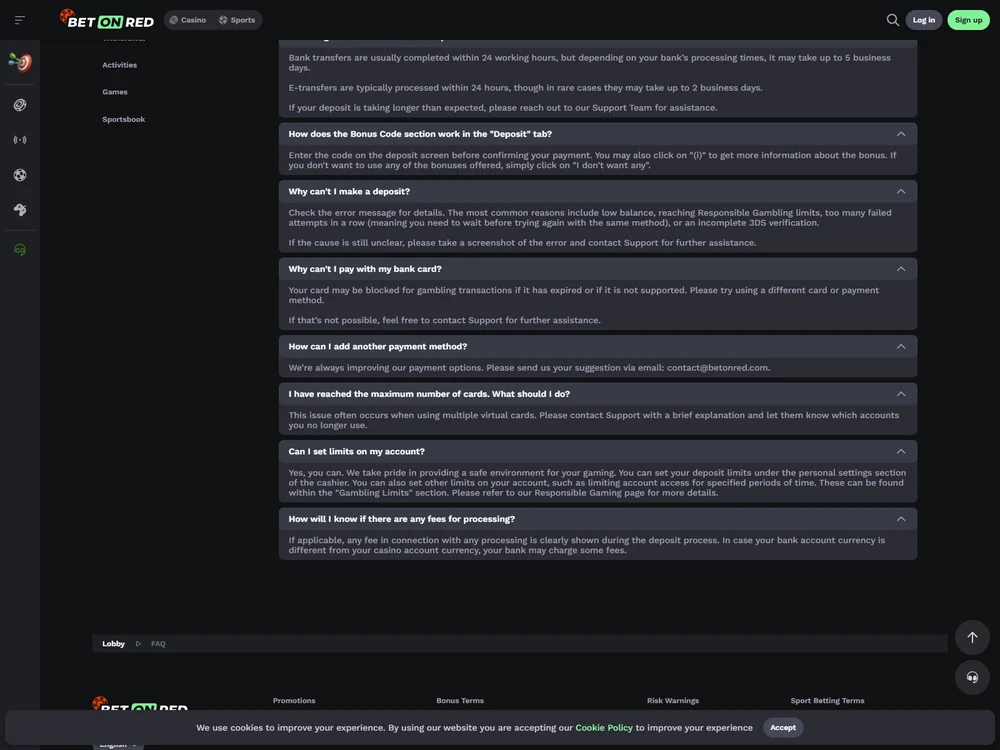
Deposit, Wager and Loss Limits also have email notifications when the corresponding limit is exceeded.
A limit is a ceiling on participation, not a recommended level of spending: you can stop before reaching it rather than waiting for a notification to tell you when to stop.
Some versions show a message that an edit or removal takes effect immediately; others show a waiting period that varies by configuration. Check the active restriction and effective time displayed in your account.
Check the amount you have actually spent
Use My Account and open the relevant History, Transactions or Account History section. Depending on the view, you can inspect deposits, withdrawals and game history, including bets and spins. Some records can be filtered by date or transaction type. Sportsbook activity is listed in My Bets under the betting rules.
Look at your spending over a defined period rather than the last winning or losing round. Deposits and withdrawals are separate cash flows. Stakes reflect money placed at risk. Winnings are not a reliable source of household income.
If tracking the figures is distressing or you cannot maintain your chosen restrictions, stop gambling and seek help.
Take a break or request self-exclusion
When spending or playing time becomes difficult to control, choose a restriction that prevents further gambling, whether a temporary period without play or self-exclusion designed to stop participation for a longer period or indefinitely.
Cooling-off
The direct Cooling-off setting takes effect immediately for the selected period. You cannot deposit money or play during that time and are excluded from promotional offers. When it ends, the operator emails you to say that your account is active again. In this setting, extending the restriction takes effect immediately. Reducing or cancelling it takes 24 hours from the request.
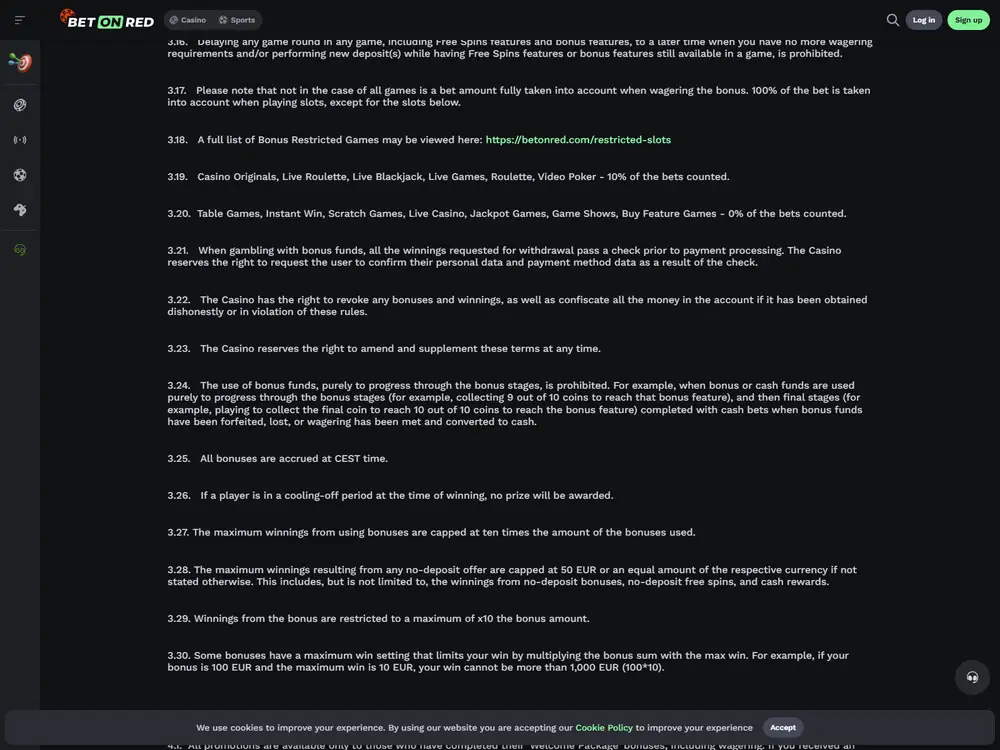
The bonus rules state that no prize is awarded if the player is in a cooling-off period at the time of winning.
Do not let a promotion, a prospective bonus or money already spent influence your decision to take a break.
Self-exclusion under the policy
The operator's policy provides for self-exclusion of 6 months, 9 months, 1 year or indefinitely, blocking account access, removing the player from promotional offers and undertaking reasonable steps to prevent the opening of new accounts.
Follow these steps to request exclusion through your profile:
- Open the Self-Exclusion section of your profile and read the restrictions for the available periods.
- Confirm that you understand the effect of the exclusion. Follow the link to the period-selection page, choose the period and submit the request. Starting the process alone is not enough.
- Check your email for the confirmation that the restriction has been applied. Keep that message together with the date of your request and the selected period.
-
If the automated process cannot be completed, email the operator's support at
[email protected], describe the attempted request and ask for manual self-exclusion. Wait for confirmation of its execution, not merely receipt of your message.
Manual restriction is not instantaneous. When you have not specified a duration in your message, the policy sets a period of six months by default. An acknowledgement of the message does not mean the account has been blocked. Stop playing and ask support to complete the restriction if your account remains active.
A fixed Self-Exclusion Limit disables your account immediately when applied. Deposits and withdrawals are unavailable while it is active, and the remaining balance is paid under the applicable casino limits only once the fixed period expires.
For indefinite exclusion, payment of the remaining funds is governed by the casino limits rather than the expiry of a fixed term.
A fixed-limit account does not reactivate automatically when the limit expires. An early cancellation of a fixed restriction is subject to internal review. If approved, it takes effect no sooner than 24 hours after the request. An indefinite exclusion has a 7-day waiting period if its cancellation is approved.
These conditions do not guarantee reopening. Keep the restriction in place if you need it and ask support about any unexpected change to its status.
Confirm the account restriction in the automated procedure
In a separate automated procedure, the first email contains a confirmation link valid for 24 hours. Use the activation button in that email to start a separate 24-hour Cooling-Off period. During this pause you can still log in but cannot place bets. Full self-exclusion blocks login.
After that first period, choose an extension of one day, one week, half a year or permanently. Follow the link in the second email to confirm the period and check that the restriction has taken effect. The account unlocks automatically if the extension is not activated within 24 hours of the end of Cooling-Off. Report an unintended unlock instead of resuming gambling.
An alternative version offers an immediate restriction when you confirm the selected period, and another provides a six-month self-exclusion action that support can extend. The automated request screen carries a warning that the decision is final and non-reversible. It also asks the player to withdraw remaining funds before submitting the request. Do not delay a necessary exclusion to keep gambling over a balance; ask support to address any remaining funds.
These are distinct interface routes, with their own confirmation conditions, rather than alternative descriptions of exactly the same procedure under the main Self-Exclusion Policy.
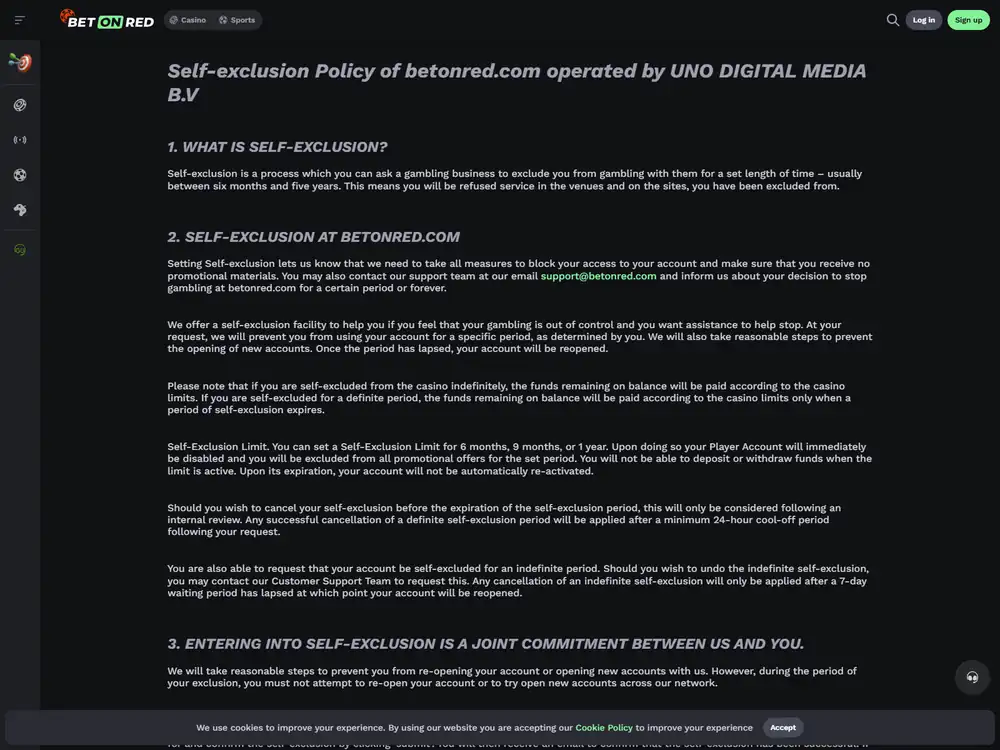
Do not open another account or use promotional material to circumvent an exclusion: the operator's policy makes clear that it is not obliged to reimburse deposits or winnings relating to such activity.
The policy also provides for self-exclusion if you request it from the applicable regulator and BetOnRed receives a list of self-excluded players from that regulator that includes you.
Help, marketing opt-out and escalation
An uncompleted self-exclusion request or an account that is still accessible after a confirmed restriction needs the operator's attention. The designated email is [email protected]; the operator also states that email and Live Chat are available 24/7. See the BetOnRed support channels for the difference between operator assistance and editorial contact.
A user from Great Britain reported on Trustpilot that five attempts to close their account or self-exclude repeatedly restarted a 24-hour timer. They said the account remained open. Marketing continued after promised manual closure, according to the same user. The company responded asking for specific details and further contact.
If the restriction has not taken effect, retain the request time, duration, confirmation and current account status, and request escalation under the operator's Dispute Resolution policy if support cannot resolve it. If casino management still cannot resolve the dispute, the policy allows you to contact the applicable gaming authority or licensing regulator listed by the operator.
You can ask for assistance without placing bets or making another deposit.
Stop marketing messages and seek independent help
Use the unsubscribe link in the operator's communication or ask customer support or its Data Protection Officer to stop marketing. An active self-exclusion restricts operator promotions, but the policy distinguishes those from third-party affiliate marketing that the operator cannot control. Do not treat a received offer as permission to gamble.
GamCare and GambleAware provide responsible-gambling information and support; their services have UK-specific contexts. BetBlocker is an additional resource for blocking gambling access. GAMSTOP is a separate UK self-exclusion scheme. A link to a resource does not itself place a restriction on your gambling account. Seek appropriate professional or independent help in Poland if you need support beyond account restrictions.
The editorial site has no personal account, newsletter, public comments, analytics or advertising trackers, or public AI assistant. Its content contains no functioning affiliate links and no paid placements. Send an editorial enquiry if you believe an article is inaccurate; requests to suspend your gambling account must go to the operator, not the publisher.
FAQ
Can closing an account replace self-exclusion?
They are separate procedures. The account FAQ directs ordinary closure requests to Live Chat or [email protected]. If you need a gambling restriction, request self-exclusion through the Self-Exclusion section of your profile and keep the confirmation that it has been applied.
What if you receive no self-exclusion confirmation?
Do not assume the account is blocked. Email [email protected], explain the attempted automated request and ask for manual self-exclusion. Stop gambling while the request is processed and retain the confirmation when the operator completes it.
What if promotional messages keep arriving?
Unsubscribe and contact the operator's support or Data Protection Officer if marketing continues. The self-exclusion policy distinguishes promotions controlled by the operator from third-party affiliate messages. Ignore offers rather than acting on them during an active restriction.
Can you withdraw during a fixed Self-Exclusion Limit?
No, while the fixed limit is active, deposits and withdrawals are unavailable under the policy. The remaining balance is paid according to the applicable casino limits after that period expires. An indefinite exclusion has a separate balance-payment provision.